
Shopify SEO Audit: 12 Issues That Could Be Costing You Sales
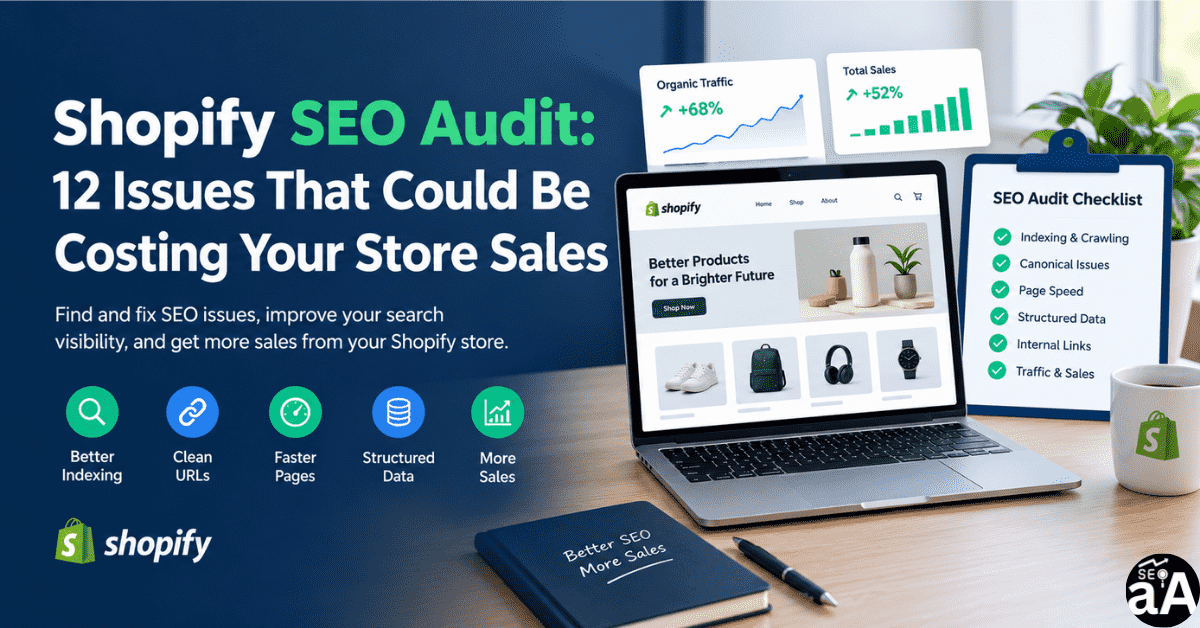
Your Shopify store has solid defaults. Shopify handles sitemaps, HTTPS, and basic canonical tags. But those defaults do not cover every problem. A structured shopify seo audit finds the gaps that block rankings and revenue.
This guide gives you a practical shopify seo audit checklist. You will see what to check, why it matters, and how to fix it. It is built for store owners, ecommerce founders, and marketing managers who want clear actions, not theory.
Why Shopify Stores Struggle to Earn Organic Traffic
Shopify’s architecture creates duplicate URLs by design. Every product gets a clean /products/ URL and at least one /collections/ URL. If a product sits in five collections, it has six URLs. Google usually picks the right one, but crawl budget gets wasted.
The same pattern appears in pagination, filtered navigation, and product variants. These are not edge cases. They are structural issues found on most Shopify audits.
Healthcare and local service stores face a second problem. Generic ecommerce SEO ignores local intent. A dentist needs “teeth whitening in [city]” pages, LocalBusiness schema, and a strong Google Business Profile. Without these, the store competes for the wrong terms.
How to Check Crawling, Indexing, and Search Console Coverage
Start with Google Search Console. Open the Pages report. Look at three groups:
- Indexed pages. Confirm that your product, collection, and service pages appear.
- Excluded pages. A small number is normal. A growing number signals a problem.
- Noindex tags. Run a crawl with Screaming Frog or Sitebulb. Filter for noindex. Any product or collection page with a noindex tag is urgent.
Then check robots.txt at yourstore.com/robots.txt. Confirm it does not block critical landing pages. Check sitemap.xml. Confirm it includes the pages you expect and excludes noindexed pages.
How to Identify Duplicate URLs and Canonical Issues
Open a product page from a collection URL. View the page source. Find the canonical tag. It should point to the bare product URL, not the collection URL.
Shopify sets this correctly by default. Third-party SEO apps and theme edits break it often. Audit every product template after any app install or theme change.
Also check paginated collection pages. Page 2 and beyond should not compete with page 1. Confirm canonical tags and meta robots are consistent.
How to Optimise Collection Pages and Product Pages
Collection pages are your most underused SEO asset. Give each collection one target keyword. Write a 50- to 100-word intro above the product grid. Put deeper detail below the grid.
For product pages:
- Write a unique title tag and meta description. Do not reuse the manufacturer copy.
- Use one H1 that matches the product name.
- Add a short value proposition above the fold. State who the product is for and what problem it solves.
- Include structured data for Product and BreadcrumbList.
For healthcare stores, replace “product” with “service” or “treatment.” A service page for a dental implant should include credentials, patient reviews, and a visible booking button.
How to Improve Product Descriptions and Unique Value Propositions
Thin descriptions create thin pages. Google ignores them. Shoppers leave.
Answer these questions in the first 100 words:
- What is this product or service?
- Who is it for?
- What makes it different from the alternative?
- What happens after the customer buys or books?
Use short paragraphs and bullet points. Add real specifications, sizing details, or treatment timelines. For healthcare pages, add clinician credentials and safety information. Trust signals matter more in medical niches.
How to Validate Product and Breadcrumb Structured Data
Shopify auto-populates some structured data. It does not cover every case. Use Google’s Rich Results Test on three page types: a product page, a collection page, and a service page.
Check for:
- Product schema with price, availability, and review count.
- BreadcrumbList schema that matches the visible breadcrumb trail.
- LocalBusiness or Dentist schema on healthcare and local pages.
- FAQ schema on pages with a visible FAQ block.
Missing or broken schema does not crash the page. It limits how Google displays your listing in search results.
How to Improve Page Speed and Core Web Vitals
Aim for these 2026 targets:
- Largest Contentful Paint under 2.5 seconds.
- Interaction to Next Paint under 200 milliseconds.
- Cumulative Layout Shift under 0.1.
Audit the product template first. Large images and unused apps most often cause slow LCP and poor INP.
Fix order:
- Compress and resize product images. Serve WebP or AVIF.
- Remove apps that inject scripts on every page.
- Preload the main product image or hero image.
- Test again on mobile. Most Shopify traffic is mobile.
How to Build Useful Internal Links
Internal links pass authority and guide shoppers. Use them with intent.
- Link from blog posts to relevant collection pages and service pages.
- Link from product pages to the parent collection and two or three related products.
- Link from collection pages to sub-collections that match narrower search terms.
Avoid linking every product to every collection. That creates clutter and dilutes link value.
How to Review Organic Traffic, Add-to-Cart Actions, and Sales
Traffic alone is not a KPI. Open Google Analytics 4 and build a funnel:
Session start → Product view → Add to cart → Begin checkout → Purchase.
If traffic is healthy but add-to-cart is weak, the problem is usually the product page. Check photos, price clarity, shipping cost, sizing, and trust signals.
If add-to-cart is healthy but purchase is weak, check checkout friction, payment options, and unexpected costs.
In Search Console, sort queries by impressions and low click-through rate. Those pages have demand. Improve the title and meta description before writing new content.
A Practical 12-Point Shopify SEO Audit Checklist
Use this list as your shopify seo audit framework. Work through it in order. Fix high-impact items first.
- Confirm Google Search Console is connected and the sitemap is submitted.
- Crawl the store and flag every noindex tag on a product, collection, or service page.
- Check canonical tags on collection-scoped product URLs.
- Audit pagination and filtered navigation for duplicate content.
- Verify unique title tags and meta descriptions on product and collection pages.
- Check for thin collection pages with fewer than five products or no unique copy.
- Validate Product and BreadcrumbList schema with the Rich Results Test.
- Add LocalBusiness or Dentist schema on healthcare and local landing pages.
- Run PageSpeed Insights on mobile for one product page and one collection page.
- Fix the largest image on the product template and remove one unused app.
- Add internal links from the top three blog posts to the top three collection pages.
- Build the GA4 funnel and compare organic add-to-cart rate with paid and direct traffic.
Get the Free Checklist and Request an Audit
Download the 12-point Shopify SEO audit checklist. Use it as a quarterly review or before a site redesign.
If you want a senior set of eyes on your store, request a Shopify SEO audit. We review technical SEO, product and collection pages, speed, schema, and organic revenue data. The goal is simple: find what is blocking sales and fix it in priority order.